
An iPhone with a black screen after a screen replacement, but that still vibrates and is detected by iTunes, most often has a backlight fault. A flashlight held against the screen is enough to confirm it. The classic cause: the battery was not disconnected. The repair is possible, often by replacing a single filter.
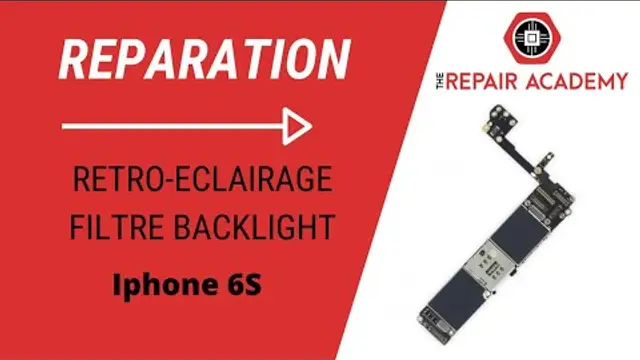
The symptom: a black screen that still works
Your iPhone screen is completely black. Yet it still vibrates and is detected by iTunes.
Hold a flashlight against the screen: you can then see the image and confirm that it works perfectly.
The cause: a dead backlight
The backlight function of your iPhone is out of order. This happens very often when the screen is replaced without disconnecting the battery.
You must disconnect the battery first: never handle a logic board that is still powered. Screen and battery replacement are part of the Level 2 phone, tablet and laptop repair program.
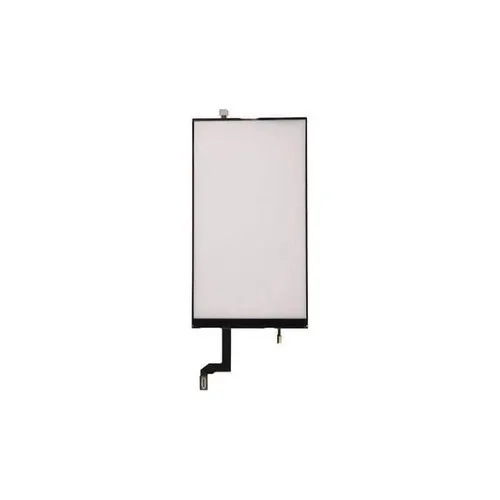
A repairable fault
Start by testing the phone with another screen whose backlight works 100%. If the result is the same, the logic board needs a closer look.
Open the phone and examine the logic board under a binocular microscope to spot any abnormal trace around the components. To build this skill, see the Level 3 micro-soldering and board repair program.
Spot the failed filter on iPhone 6 and 6s
The fault is relatively easy to fix if one of the filters has failed. You will see it: it is blackened or no longer in place. Just replace it with a new backlight filter.
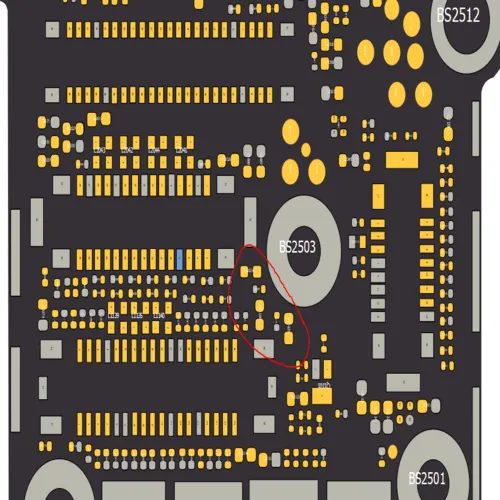
iPhone 6
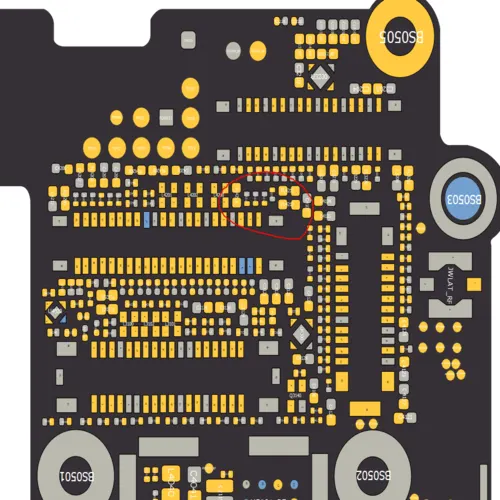
iPhone 6s
For a more recent case, read our article on the iPhone 11 backlight problem. And if needed, here is our explainer video:
https://youtu.be/6y9dZWUQX-8